Class notes
Write your notes. Check them against the class.
Each course has a Notes tab. Write what you take from a class in your own words, add its transcript beside them, and ask the tutor to check what you wrote, quiz you on it or make flashcards.
New accounts are paused. The waitlist tells you when access opens, with no date promised.
Seven days to try it. Then, a subscription.
Ways to bring a class in.
On the Notes tab, the ways to bring a class in come first.
Record. Capture live. It is transcribed when you stop.
File or photo. Audio or subtitles become a note. Photos and PDFs, such as handwritten notes or the board, go to the course’s materials, where the tutor reads them. Audio waits until you press Transcribe, and nothing is sent before that. A file over the size limit is not sent.
YouTube link. Paste the link and the transcript comes from the video.
Paste a transcript. Paste the text and it is imported at once.
Spoken language. Name the language of the class: saying it avoids a wrong guess that comes back translated. Detect it leaves the choice to the app.
Your note.
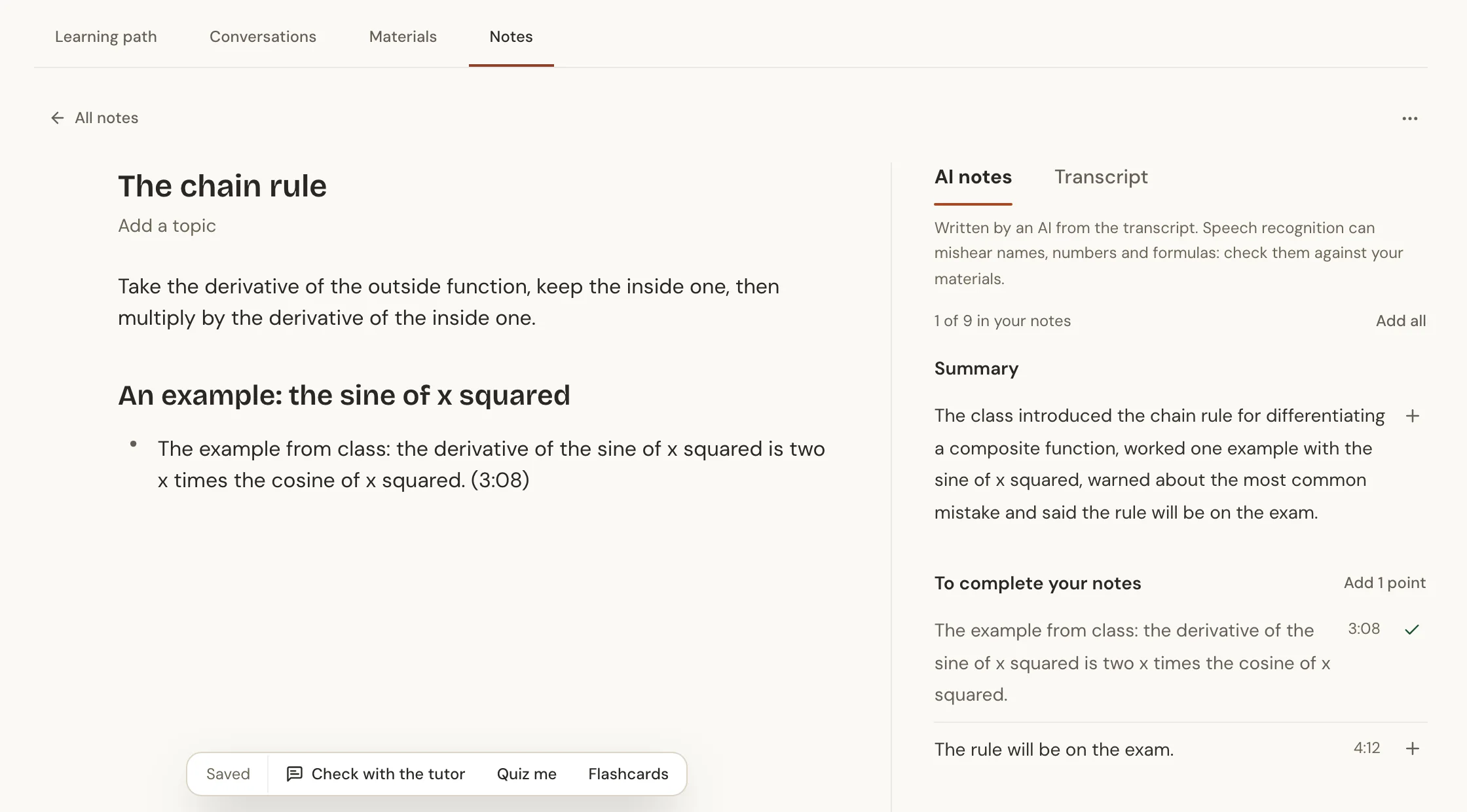
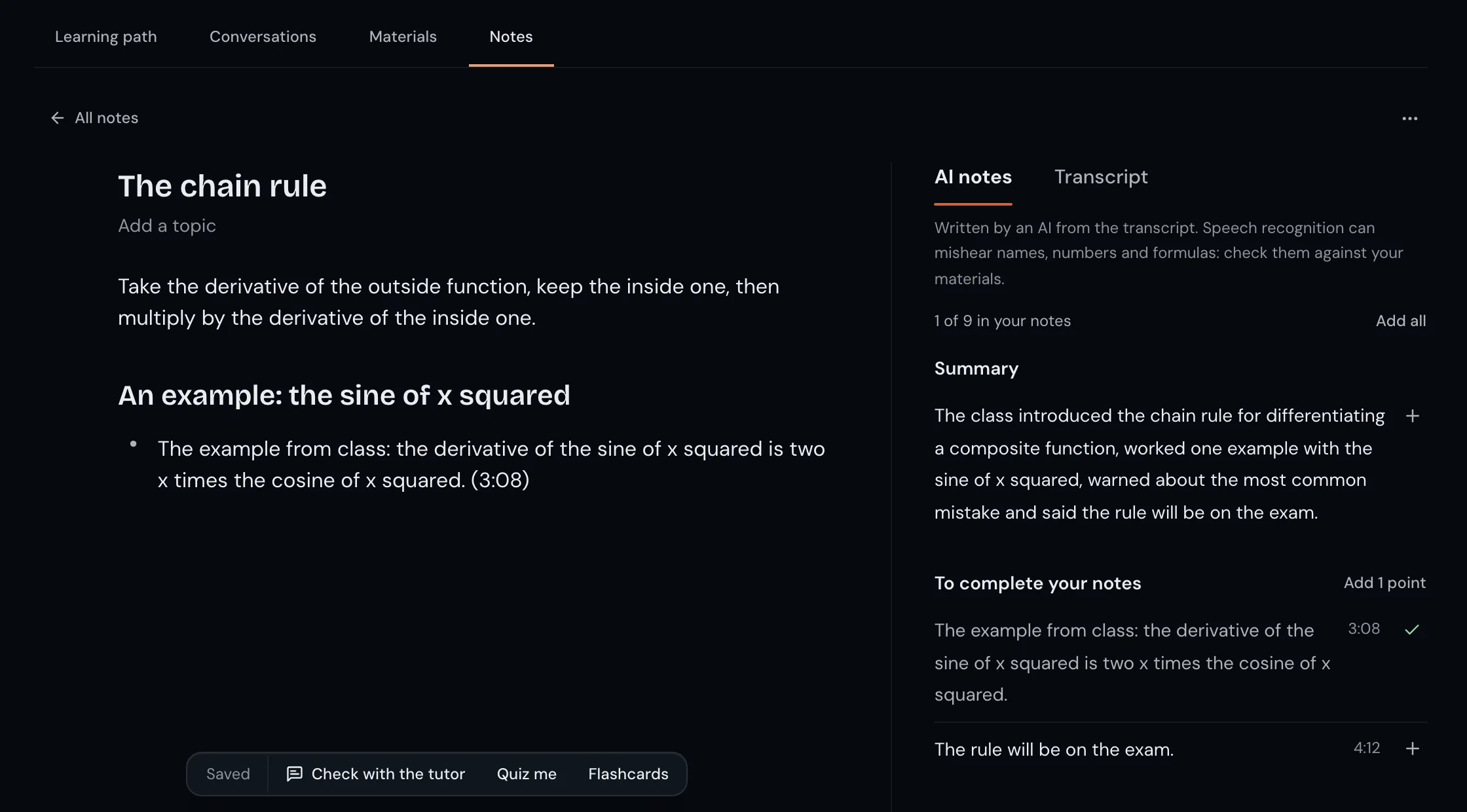
Write in your own words. The note takes headings, lists and formulas (type / to choose) and saves itself. What the class left, the AI notes and the transcript in two tabs, stands beside the note on a wide screen and under it on a narrow one.
 Enlarge the picture
 Enlarge the picture
AI notes.
The AI reads the transcript and sets out the points of the class, each with the moment it was said. You choose which ones go into your notes.
The points come in parts: Summary, To complete your notes, To do and dates and Glossary. You add one point with Add to your notes, the points of a topic together, or all at once with Add all, and each point leads to its place in the transcript.
Written by an AI from the transcript. Speech recognition can mishear names, numbers and formulas: check them against your materials.
The AI notes stand beside your notes, never inside them, and you can delete them whenever you like. Asking for AI notes and adding a transcript are offered to an account with a verified email address.
With the tutor.
A note with text has a bar under it with three requests. A request opens in the chat with the note attached, and you send it when you like.
Check with the tutor. It compares the note with the transcript of the class and the course materials: what was left out, which terms and formulas came up, and whether anything looks wrong.
Quiz me. A quiz on the note, one question at a time, checking your answers against what you wrote, the transcript and the materials.
Flashcards. Cards made only from what the note, the transcript or the materials say, each with its source. You keep, edit or skip each card.
The tutor can be wrong: check what it says against your materials.
Before you record a class.
Ask your teacher before you record a class, and do not publish or share another person’s class, or a recording, transcript or notes of it, without their permission. A recording can hold the voice of the teacher and of classmates. The Terms say what you may record or bring.
Our server deletes the recording once the transcript is saved. The provider that turns a recording into text keeps its own copy for a short period, and the Privacy Policy explains it. You can delete a class, its transcript or its AI notes whenever you like.
Questions.
Do I need to record the class?
No. You can just write the note. Writing notes needs only an account. Adding a transcript and asking for AI notes are offered to an account with a verified email address.
Which files work?
Audio, subtitles and text become the transcript of a class. Photos and PDFs go to the course’s materials.
Do the AI notes replace mine?
No. They stand beside your notes, never inside them, and you choose what to add.
Can the transcript have mistakes?
Yes. Speech recognition can mishear names, numbers and formulas. Check them against your materials.
Can I delete a class?
Yes. You can delete the class, its transcript or its AI notes whenever you like.
New accounts are paused. The waitlist tells you when access opens, with no date promised.
Seven days to try it. Then, a subscription.